Who this guide is for: Independent restaurant operators with one to ten locations who want more visibility, more direct orders, and fewer headaches.
According to recent studies, 86% of potential customers check your online menu before visiting, while 72% won’t even consider restaurants with poor online visibility. However, most busy restaurant owners simply don’t have time to become SEO experts. Fortunately, local SEO for restaurants doesn’t require technical expertise or hours of daily maintenance. With the right restaurant marketing strategy, even the busiest owners can improve their search rankings while focusing on what they do best, running their restaurant.
From optimizing your Google Business Profile to implementing restaurant website SEO that converts browsers into diners, this step-by-step guide cuts through the complexity. We’ll cover practical techniques that boost your visibility, enhance online ordering optimization, and help you outrank competitors, all designed specifically for time-pressed restaurant owners who need results, not theory.
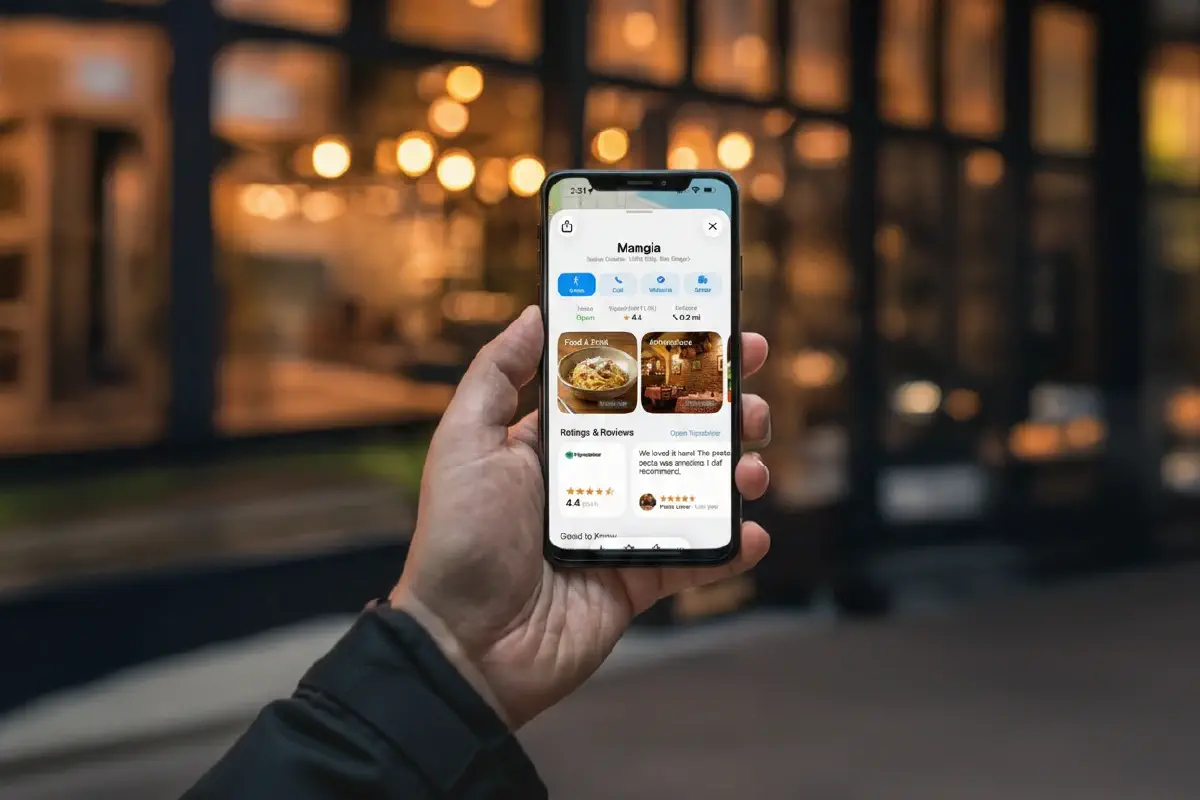
Your Google Business Profile serves as your restaurant’s digital storefront, often making the first impression on potential diners. In fact, restaurants with complete Business Profiles receive 42% more requests for directions and 35% more website clicks [1]. Let’s optimize yours for maximum visibility.
Many restaurant owners don’t realize they already have a Google listing created automatically, it just needs claiming. Start by searching for your restaurant name on Google Maps or Search. If it appears, click “Own this business” or “Claim this business” followed by “Manage now” [2]. If your restaurant isn’t listed yet, visit business.google.com/add and click “Add your business to Google” [3].
Next, verification proves you’re the legitimate owner. Google offers several methods depending on your situation:
1 Phone or text verification: Receive a code via call or text (not available for automated answering systems)
2. Email verification: Get a verification link sent to your business email
3. Postcard verification: Receive a physical card with a code (takes 5-7 business days)
4. Video verification: Provide a continuous video showing your location and signage [4]
Remember that storefront restaurants must have permanent signage and staff present during business hours to qualify for verification [4]. Once verified, you gain complete control over how your restaurant appears across Google’s ecosystem.
Keeping your hours accurate ranks among the most crucial elements of restaurant SEO. Few things frustrate hungry customers more than arriving at your restaurant only to find it closed despite Google showing “Open” [3]. Be particularly diligent about updating:
• Regular operating hours for each day
• Special hours for holidays and events
• Separate hours for different services (dine-in, takeout, delivery)
Additionally, upload 20-30 high-quality photos covering all aspects of your business [3]. Visual content significantly impacts both click-through rates and ranking. Include:
• Your logo
• Exterior shots to help customers recognize your location
• Interior photos showcasing your ambiance
• Staff photos (with permission)
Furthermore, add your menu directly through Google’s built-in menu editor. This feature lets you create sections (appetizers, mains, desserts) with item names, descriptions, and prices [3]. Changes typically appear within 24-48 hours.
Unlike social media posts that rely on algorithms, Google Posts appear during high-intent moments, when someone is actively searching for a place to eat [5]. These mini-updates show up directly in your listing and can dramatically increase engagement.
The optimal posting frequency for most independent restaurants is 1-2 posts per week [5]. Consistency matters more than volume. Focus on four high-performing post types:
• Promotions: Happy hour deals, weekday specials, online ordering incentives
• Events: Live music nights, holiday menus, seasonal celebrations
• Menu updates: New dishes, seasonal offerings, customer favorites
• Announcements: Changed hours, patio openings, community involvement
For maximum impact, use bright, clear photos, keep text concise (1-3 sentences), and always include a call-to-action like “Order Online” or “View Menu” [5]. This direct connection to hungry customers looking specifically for restaurants like yours is a powerful, yet often overlooked, restaurant marketing tool.
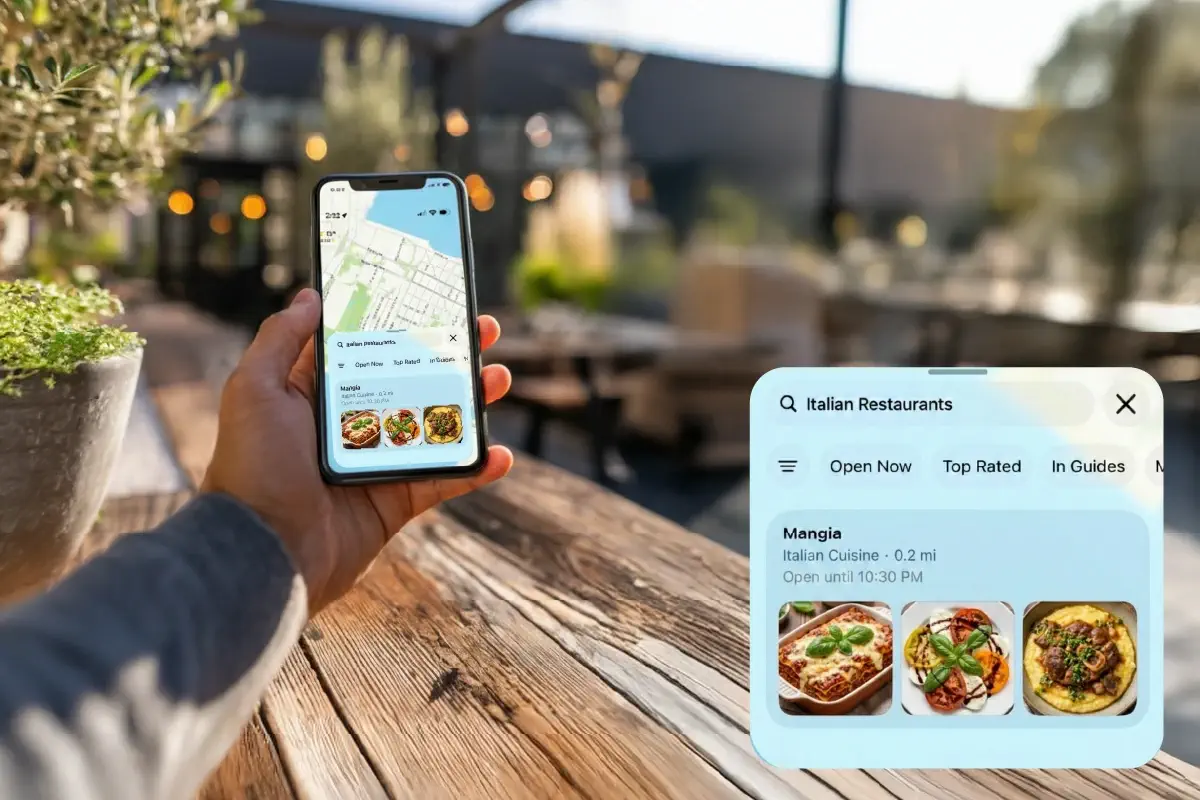
A staggering 80% of diners check restaurant websites before visiting [6], yet many restaurant sites fail to deliver what mobile users need. This oversight can cost you customers since more than 50% of restaurant website visitors now arrive via mobile devices [7].
Responsive web design automatically adapts your restaurant’s website to fit any screen size, whether smartphone, tablet, or desktop. This approach creates an optimal viewing experience without pinching, zooming, or horizontal scrolling. A responsive design is essential because 88% of online searches for “restaurant” come from mobile devices [8], and 50% of consumers who execute a local search on their mobile device visit that location within a day, compared to just 34% on desktop [7].
Moreover, Google prioritizes mobile-friendly websites in search rankings. By implementing responsive design, your restaurant website will be completely optimized for search engines [9], directly improving your restaurant SEO performance.
Another benefit is maintenance efficiency, instead of managing separate mobile and desktop websites, responsive design lets you maintain just one site that works everywhere [9], saving valuable time for busy restaurant owners.
For truly effective mobile optimization:
• Ensure touch targets (buttons, links) are appropriately sized for finger interaction [10]
• Minimize redirects that add latency on mobile connections [10]
• Test your site on actual devices using real network conditions [10]
One of the biggest mistakes in restaurant website SEO is using PDF menus. While they might seem convenient to upload, PDF menus create significant problems for both customers and search engines.
PDF menus must be downloaded before viewing, which consumes extra time and data [11]. They’re not optimized for mobile screens, forcing users to pinch, zoom, and pan around to read your offerings [11]. On certain phones, like Androids, PDFs don’t even open at all [7].
Instead, implement HTML menus, text-based menus built directly into your website. These menus:
• Adapt automatically to any screen size [11]
• Require only simple scrolling, which feels natural on mobile devices [11]
• Load significantly faster than PDF files [12]
• Can be easily updated when prices or menu items change [12]
• Are fully accessible to screen readers and assistive technologies [12]
Most importantly, HTML menus dramatically boost your restaurant SEO because search engines can actually read and index the content, including all your menu items, descriptions, and keywords [12].
With 60% of Americans ordering food online weekly [13] and 65% of customers preferring online reservations [14], streamlining these processes is crucial for restaurant website SEO success.
An effective reservation system should allow customers to book instantly without needing to call or walk in [14]. Similarly, your online ordering system must function flawlessly on mobile devices, considering that over 60% of online orders now come from mobile [14].
To optimize these critical functions:
• Implement large, easy-to-tap buttons with simplified checkout flows [14]
• Make key actions like “Order Now” or “Reserve” sticky at the bottom for continuous access while scrolling [15]
• Support multiple payment options, including mobile wallets like Apple Pay and Google Pay [15]
• Offer flexible order types (dine-in, delivery, pickup) from a single interface [15]
• Show important information like waiting time and pickup readiness early in the process [15]
A well-integrated, mobile-friendly system for both reservations and orders not only improves customer experience but also sends positive signals to search engines about your site’s usefulness and relevance.
Keywords connect hungry customers directly to your restaurant. Between 54% and 59% of all clicks go to the top three search results, making effective keyword usage essential for restaurant visibility [3]. Let’s explore how to select and place keywords that actually drive traffic to your door.
Successful restaurant SEO requires thinking like your potential diners. Rather than generic terms like “restaurant,” focus on specific combinations that match how people actually search. Consider these three primary keyword categories:
• Location-based keywords: Include your city, neighborhood, and nearby landmarks. Phrases like “brunch in Wicker Park” or “downtown Asheville tacos” match natural search patterns [16].
• Cuisine-specific keywords: Define your restaurant style precisely, “authentic Thai cuisine,” “family-owned Italian restaurant,” or “organic farm-to-table” [17].
• Experience-based keywords: Consider what atmosphere you offer, “romantic dinner spot,” “kid-friendly restaurant,” or “outdoor seating with live music” [17].
Tools like Google Keyword Planner reveal valuable insights about search volume. For instance, “Italian restaurant NYC” might be searched 10 times more often than “trattoria NYC” [18]. Select approximately 10 top keywords with a mix of high-volume terms for long-term visibility plus lower-volume phrases for quicker wins [18].
Dish-specific searches represent a major opportunity many restaurants overlook. Diners frequently search for specific foods rather than restaurant types: “best cheeseburger in [city]” or “vegan pizza near me” [17].
To capitalize on this pattern:
• Highlight signature dishes with specific, descriptive terms
• Include popular ingredients and preparation methods
• Use regional food terminology when appropriate
• Consider seasonal terms for limited-time offerings [17]
Remember that HTML menus (not PDFs) allow search engines to read and index your food offerings, turning your entire menu into a powerful SEO tool [19].
Strategic keyword placement significantly amplifies your SEO impact. Search engines give extra weight to text in specific locations:
Page titles should be distinct and keyword-rich, “Authentic Thai Cuisine in Denver’s Baker District” rather than generic “Menu” or “About” pages [20]. Meta descriptions (those snippets appearing in search results) should incorporate relevant keywords while remaining conversational and including a clear call to action [20].
Throughout all keyword usage, maintain natural phrasing. Search engines penalize obvious “keyword stuffing” that creates awkward, robotic text [18]. The goal is always to write primarily for humans first, with search engines second.
Online reviews influence the dining decisions of 94% of consumers [22], making review management a critical component of restaurant SEO. Effectively managing your digital reputation requires both generating positive reviews and responding thoughtfully to all feedback.
Timing matters considerably when soliciting reviews. The ideal moment to request feedback is during peak satisfaction, typically after customers have paid and expressed clear enjoyment of their meal [4]. Train your staff to listen for positive verbal cues and make requests feel natural rather than transactional.
Consider these effective methods for generating reviews:
• In-person requests when returning change or payment cards
• Follow-up emails or texts within 24 hours of the dining experience
• QR codes on receipts linking directly to review platforms
• Table cards with simple “How did we do?” prompts
Approximately 19% of US consumers (roughly 49 million people) leave at least one restaurant review monthly [23]. Consequently, establishing a consistent review generation strategy can significantly boost your visibility in search results.
Responsiveness demonstrates engagement, 70% of consumers say reviews are “extremely or very important” when choosing where to eat [24]. Even more telling, 94% of diners read management responses to reviews [24].
For positive reviews, acknowledge specifics from their feedback, thank them by name when possible, and always invite them back. This reinforces positive experiences and shows potential customers you value feedback.
Regarding negative reviews, adopt the CARE framework [4]:
• Clarify details if the review is vague
• Apologize sincerely for specific shortcomings
• Resolve by proposing concrete solutions
• Explain internally how you’ll prevent recurrence
Aim to respond within 24-48 hours to negative reviews and within 48 hours for positive ones [25]. Essentially, every response represents a marketing opportunity to demonstrate your commitment to customer satisfaction.
NAP (Name, Address, Phone) consistency directly impacts how search engines rank your restaurant in local results. Inconsistent business details can lower search engine confidence in your listing and frustrate potential customers [26].
To maintain consistency:
• Regularly audit your listings across all platforms
• Use a standardized format for your business name, address, and phone number
• Update any outdated information promptly
• Monitor for duplicate listings that may contain errors
Set a schedule to review your listings several times yearly, as some platforms allow users to suggest edits to your information without your knowledge [26]. Equally important, monitor online reviews for instances where customers mention incorrect contact details, as this may indicate inaccurate information elsewhere online [27].
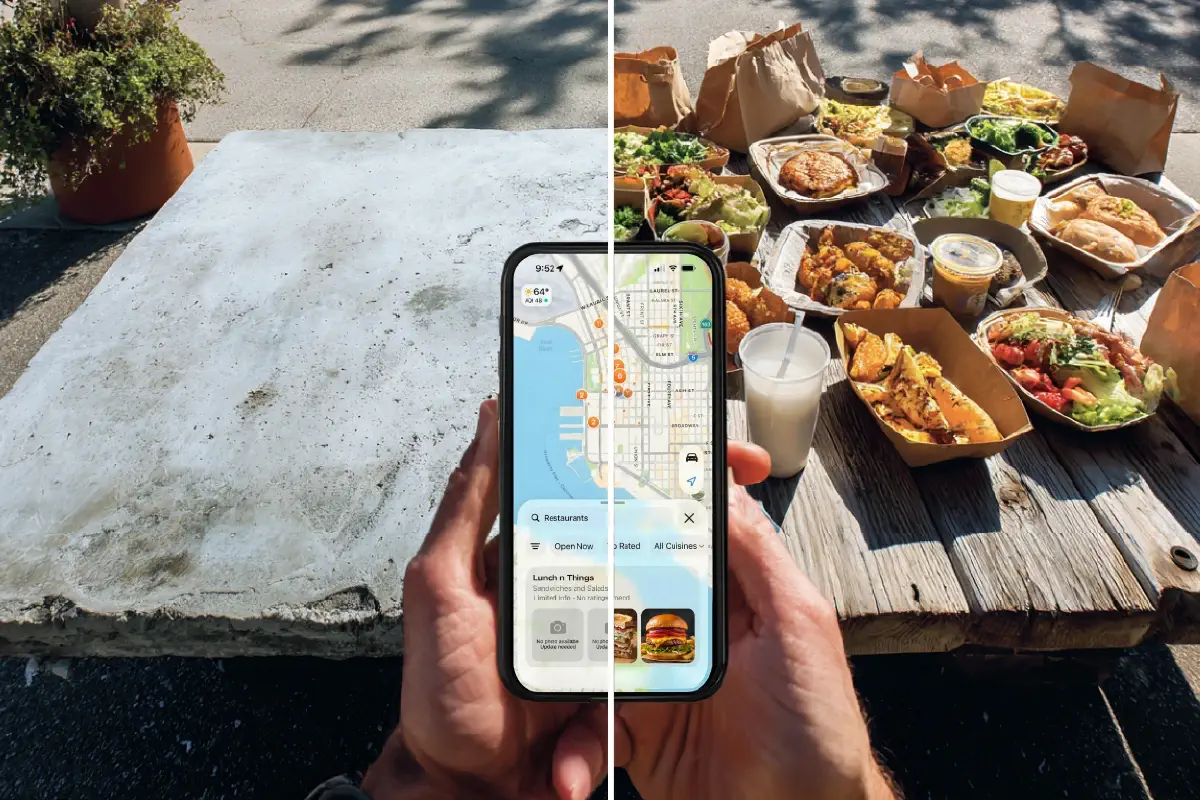
Technical SEO serves as the foundation that supports all other restaurant marketing efforts. Studies show websites with schema markup get up to 30% higher click-through rates than those without [3], making these behind-the-scenes optimizations crucial for restaurant visibility.
Schema markup is specialized code that helps search engines better understand your restaurant information. This structured data enables Google to display critical details directly in search results, including hours, menu items, prices, and payment methods [3].
Restaurant schema markup belongs to the schema.org Food Establishment category as part of the Local Business schema [3]. To implement effectively:
• Include restaurant name, address, phone number, hours, and cuisine type
• Add reservation options and direct online ordering links
• Specify exact location using map coordinates
• Include price range indicators and payment methods
• Link to your review platforms and social media accounts [3]
Menu schema is particularly valuable, allowing your dishes to appear directly in search results when people search for specific foods [5]. This structured data helps both Google AND AI agents like ChatGPT understand your offerings when diners search through these platforms [3].
For multi-location restaurants, individual landing pages dramatically improve local search visibility. Each location should have its own dedicated page with a unique URL rather than listing all locations on a single page [3].
These pages need:
• Location-specific NAP (Name, Address, Phone)
• Unique meta descriptions containing the location
• H1 and title headings featuring the specific address
• Location-specific keywords (e.g., “Brooklyn awesome dining”)
• Embedded Google Maps for that precise location
• Driving instructions linked to your Profile map page [3]
A well-structured URL format works best: yourrestaurant.com/locations/brooklyn or yourrestaurant.com/NY/manhattan [3]. Ensure 40-60% of each page’s content is unique to that location [3] so search engines can direct people based on their search location.
Did you know that 53% of website visits are abandoned if pages take longer than 3 seconds to load [28]? Page speed directly affects both user experience and search rankings.
To improve loading times:
• Implement browser caching for returning visitors
• Use a Content Delivery Network (CDN)
• Reduce server response time [28]
Core Web Vitals, Google’s specific metrics measuring user experience, emphasize speed through three key metrics: Largest Contentful Paint (how quickly main content loads), First Input Delay (responsiveness to interaction), and Cumulative Layout Shift (visual stability) [28].
Broken links likewise undermine both user experience and search engine trust. Regularly scan your site for broken links and promptly fix them through:
• Adding redirects to equivalent pages
• Restoring accidentally deleted pages
• Fixing typos in URLs [29]
Remember that broken internal links prevent Google from discovering pages properly, while fixing them preserves link equity and prevents customer frustration [29].
Mastering restaurant SEO requires commitment but certainly yields worthwhile results for busy restaurant owners. Search visibility directly affects your bottom line as potential customers increasingly rely on online searches to discover dining options.
The five steps outlined above work together to create a comprehensive SEO strategy. Your Google Business Profile serves as your digital storefront, while your mobile-friendly website converts browsers into diners. Additionally, strategic keyword usage connects hungry customers with your restaurant, especially when you incorporate dish-specific terms throughout your content.
Review management cannot be overlooked, since customer feedback significantly influences dining decisions. Responding promptly to both positive and negative reviews demonstrates your commitment to quality service. Furthermore, maintaining consistent business information across all platforms builds trust with both search engines and potential customers.
Technical elements like schema markup, location-specific pages, and optimized site speed might seem complex at first glance. Still, these behind-the-scenes improvements dramatically boost your visibility in search results.
Remember, restaurant SEO doesn’t require becoming a technical expert or spending hours daily on implementation. Small, consistent improvements over time will steadily increase your rankings. Most importantly, these strategic changes help your restaurant stand out in an increasingly competitive digital landscape, ultimately bringing more hungry customers through your doors.